Product
▾
The AI coaching experience your people get
AI Coaches
Coaching chats grounded in your method that set a goal, remember the person and follow up.
AI Roleplays
Rehearse sales, feedback and leadership conversations with an AI counterpart.
Conversation Assessments
Every chat and roleplay scored against your criteria, with instant feedback.
Interactive AI Courses
Courses that talk back: lessons with coaching chats, roleplays and quizzes inside.
Learning Library
Curated knowledge matched to each development plan, plus programs and courses from the marketplace.
Self-Assessments
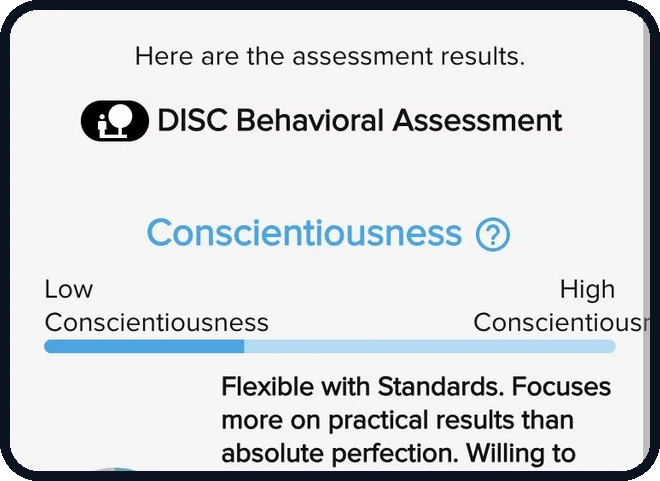
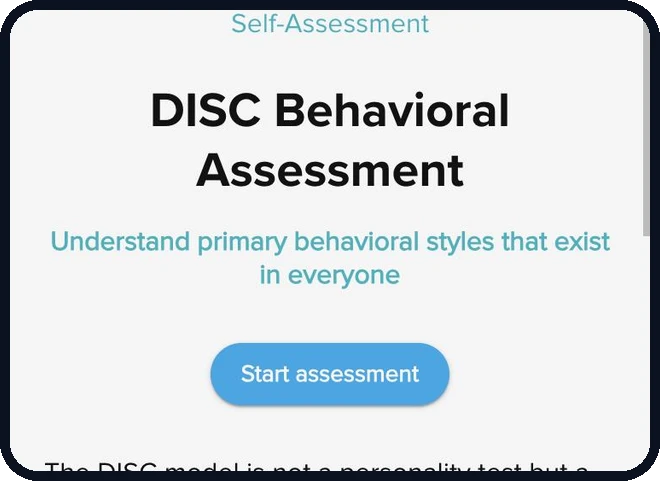
Scientific self-tests whose results the coach uses in the next conversation.
Voice & Talking Avatars
Speak out loud, interrupt naturally, with a coach who looks and sounds local.
Memory & Follow-through
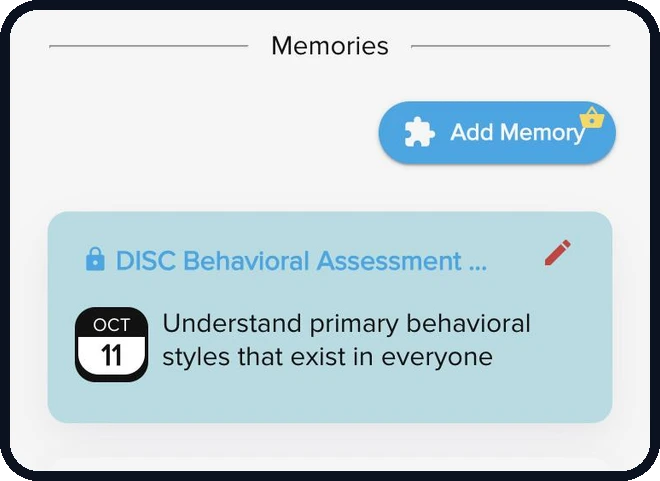
Goals, nudges and check-ins so commitments turn into action.
Multilingual Community
Spaces and groups where every post appears in the reader’s language.
Creator Studio
▾
Build, brand and sell your own AI coaching, no code
White-label & Sub-brands
Your name, logo, domain and app, plus a sub-brand for every client.
Coaching Agent Builder
Tune personality, tone, icebreakers and mentor behaviour. No prompt engineering.
Program & Method Builder
Turn your methodology into phased coaching programs and modules.
AI Course Builder
AI course writer, coach and roleplay lessons, certificates, SCORM in and out.
Roleplay Scenario Builder
Start from templates or describe a scenario; score it against your rubric.
Assessment Builder
Generate self-assessments and tests with factors, scoring and result charts.
Content Library & Import
Bring in YouTube, PDFs and articles; AI sorts them into your programs.
Shop & Monetisation
Stripe subscriptions, trials, vouchers and seats for organisations.
Insights & Dashboards
Progress, scores and sentiment per client, team and program.
Customers
▾
Organizations
AI coaching on your own content, methods and culture, for every employee, not only executives.
HR, People & L&D teamsLeadership & manager developmentSales & communication skillsRoleplay training for teamsCoaches & Knowledge Businesses
Turn your expertise into a branded AI coaching product.
Sell to individuals
Coaches & mentorsAuthors & book creatorsCourse creators & expertsSell to organizations
Coaching companies & consultanciesTraining firmsWhite-label plansEducation & Institutions
Scalable, multilingual coaching for students, staff and citizens.
Universities & business schoolsColleges & schoolsNGOs & non-profitsPublic sector & agenciesIndividuals
Your own AI coach, and the tools to build one for the people you care about.
Coach yourself with the Rocky libraryBuild an AI coach for you, friends & familyGet the app: iOS, Android, webResources
▾
Blog
Guides on AI coaching, roleplay and L&D.
Customer stories
How partners and organisations use Rocky.
Compare
Rocky vs. Kajabi, Coachvox, CoachHub and more.
FAQs
Answers about the platform, pricing and data.
Trust Charter
Our commitments on privacy and ethics.
Help & support
Contact our team or get set-up help.